Step 1
Welcome to the Payment Portal
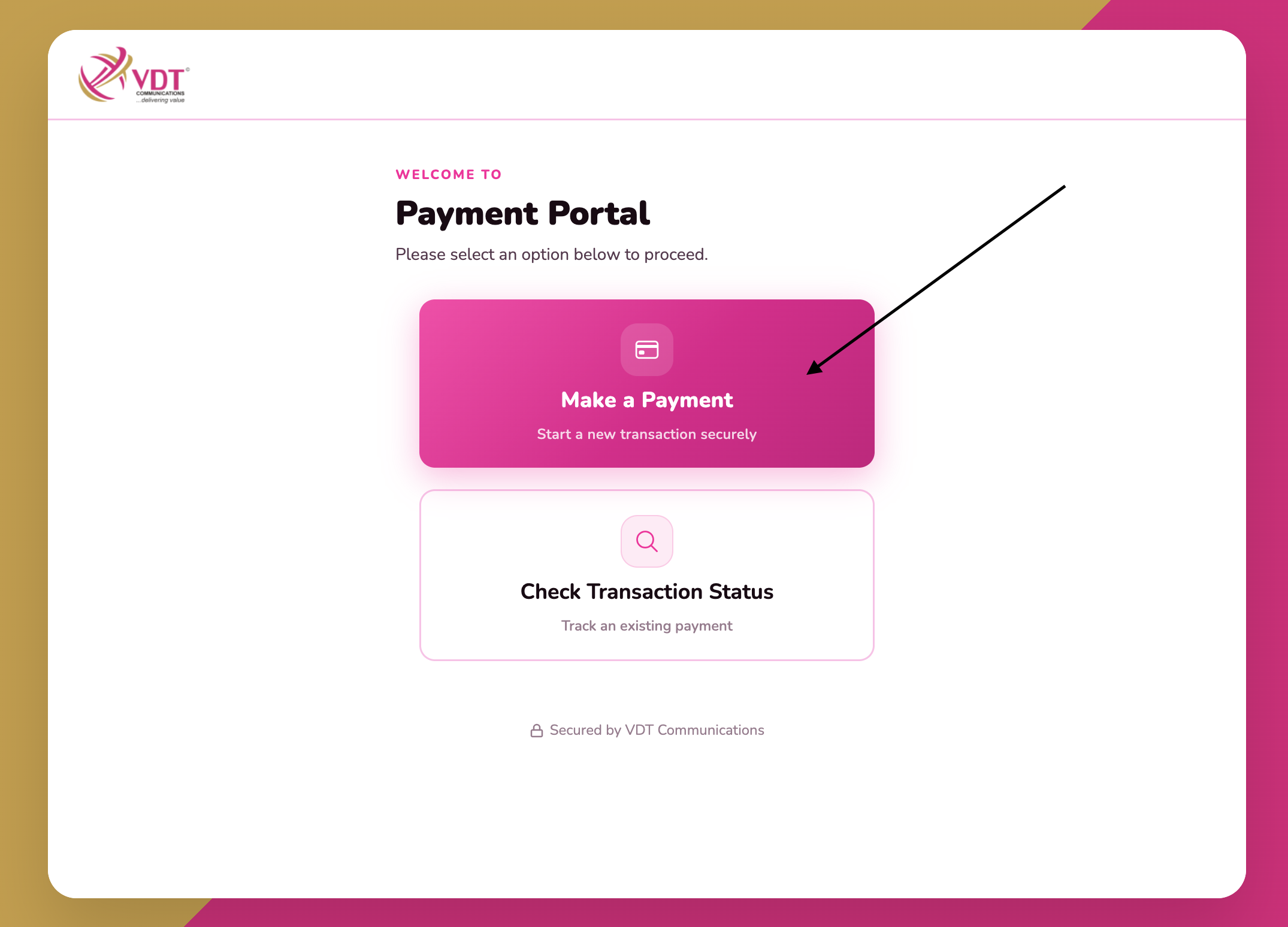
Open payments.vdtcomms.com and click “Make a Payment” to start a new transaction securely.
One portal. Multi-Payment Channel. OnePIPE, E-Tranzact — fast, safe, and fully online.
LOGIN TO PAYMENT PORTAL →Now you can pay your VDT LTE account on one secure portal with multiple billing channels. Choose the processor that works for you at checkout:
Follow the step-by-step guide below to complete your payment.
Open payments.vdtcomms.com and click “Make a Payment” to start a new transaction securely.
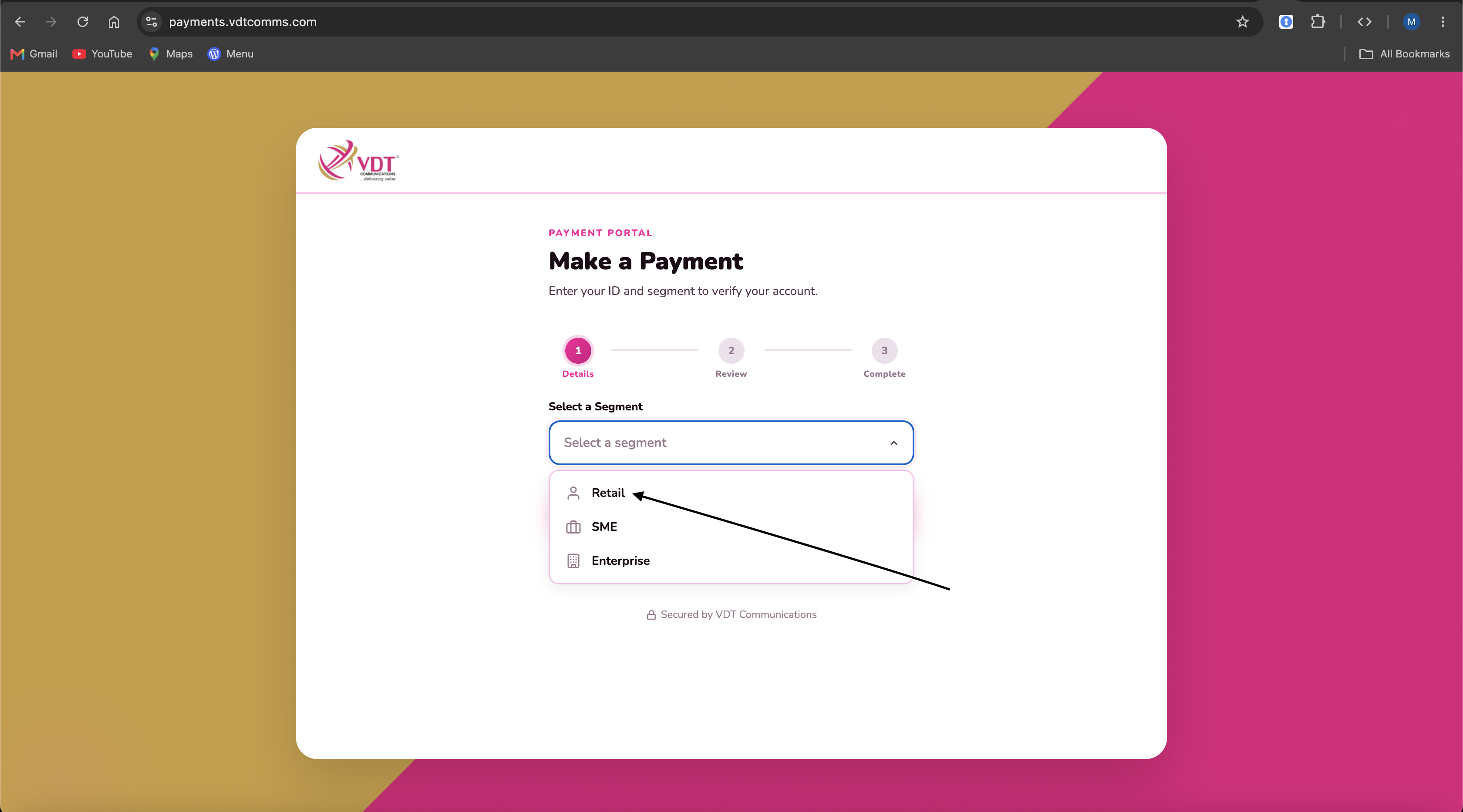
Choose the segment — for example, Retail for residential customers — from the dropdown.
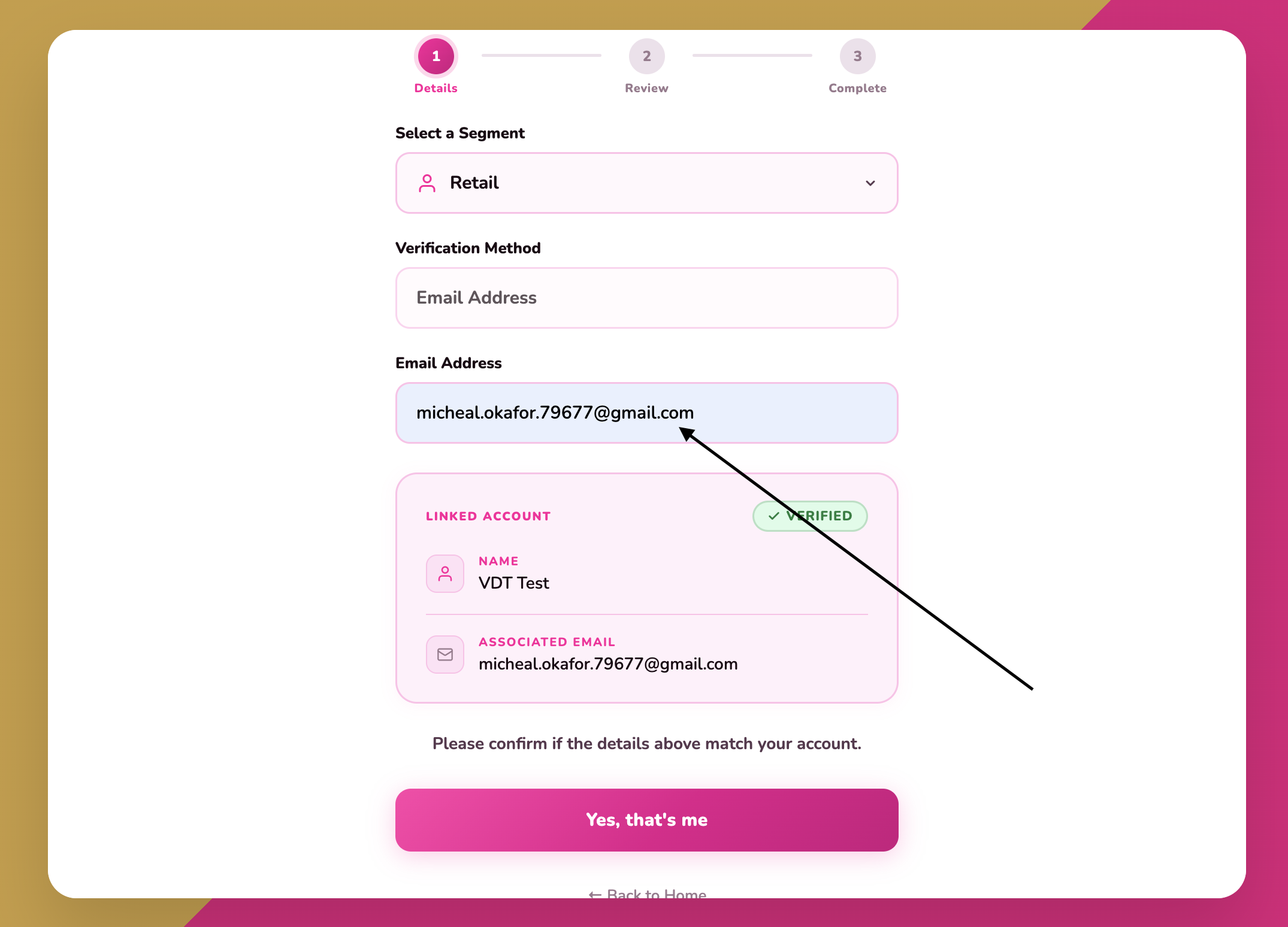
Email Address is the verification method for retail. So enter your email. When your account appears as VERIFIED, confirm the details match and click “Yes, that’s me”.
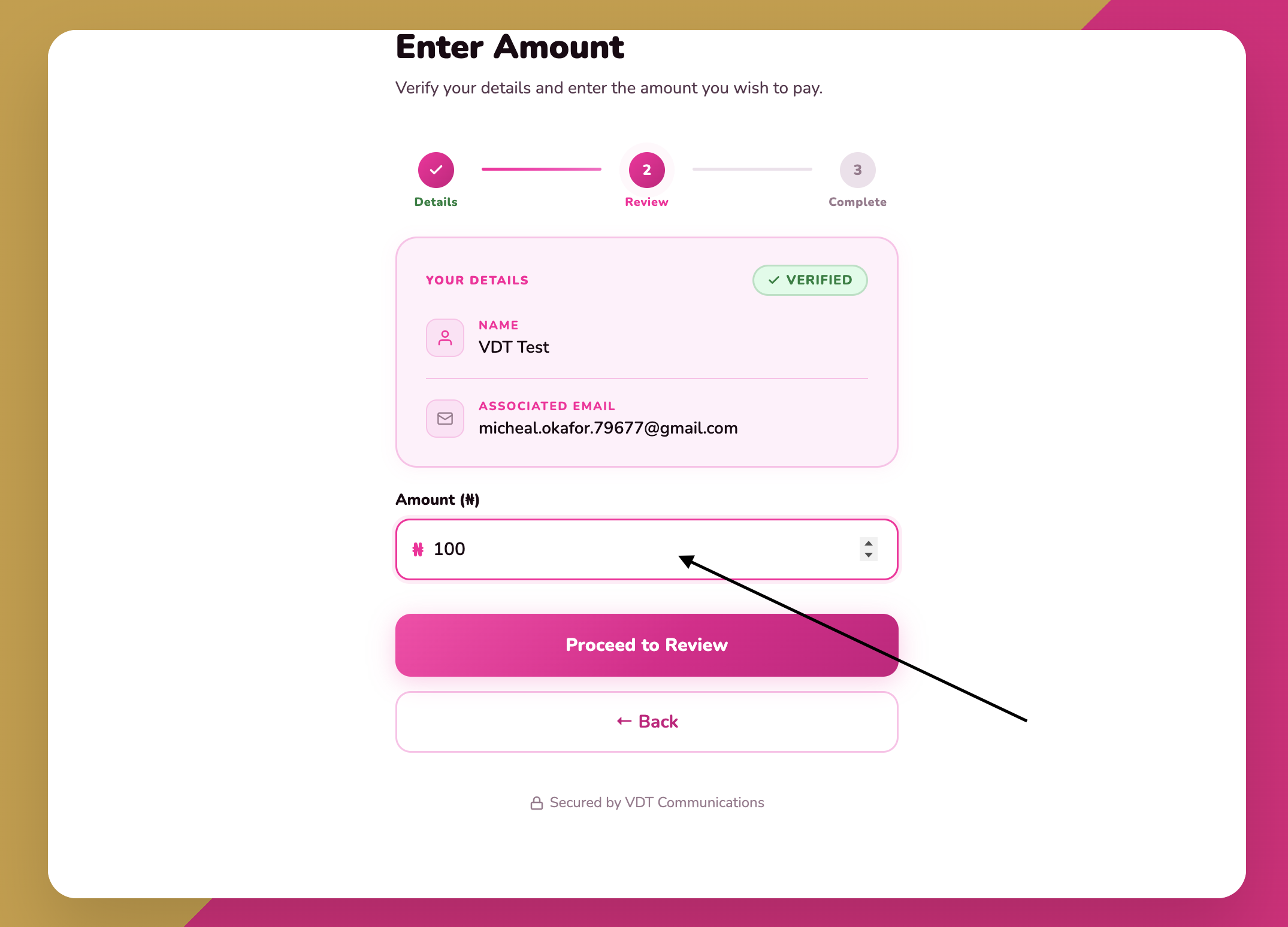
Enter the amount (₦) you wish to pay and click “Proceed to Review”.
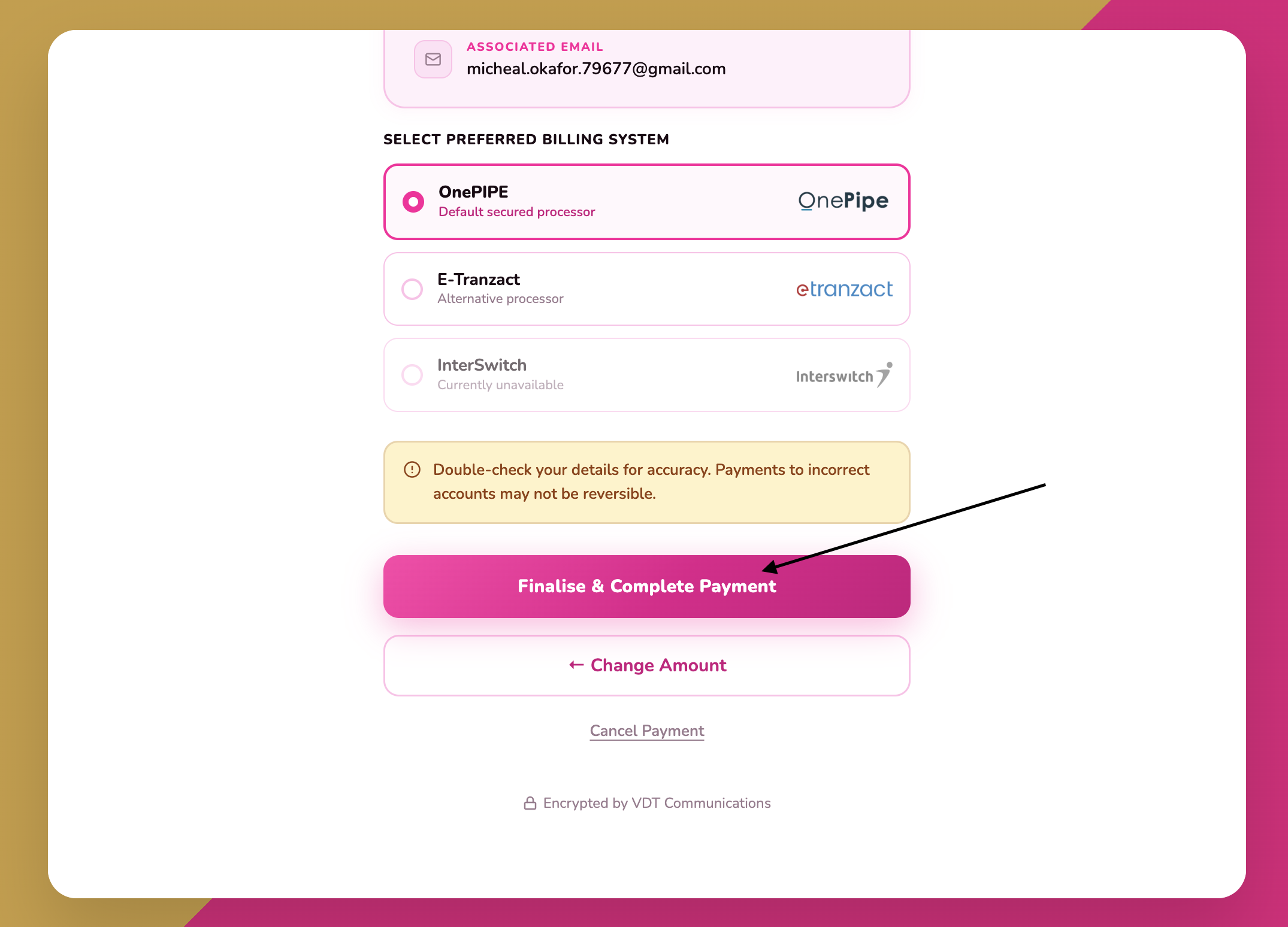
Check your payment summary (amount to pay and your Customer ID), then select your preferred Payment Channel — OnePIPE (default secured processor) or E-Tranzact (alternative processor).
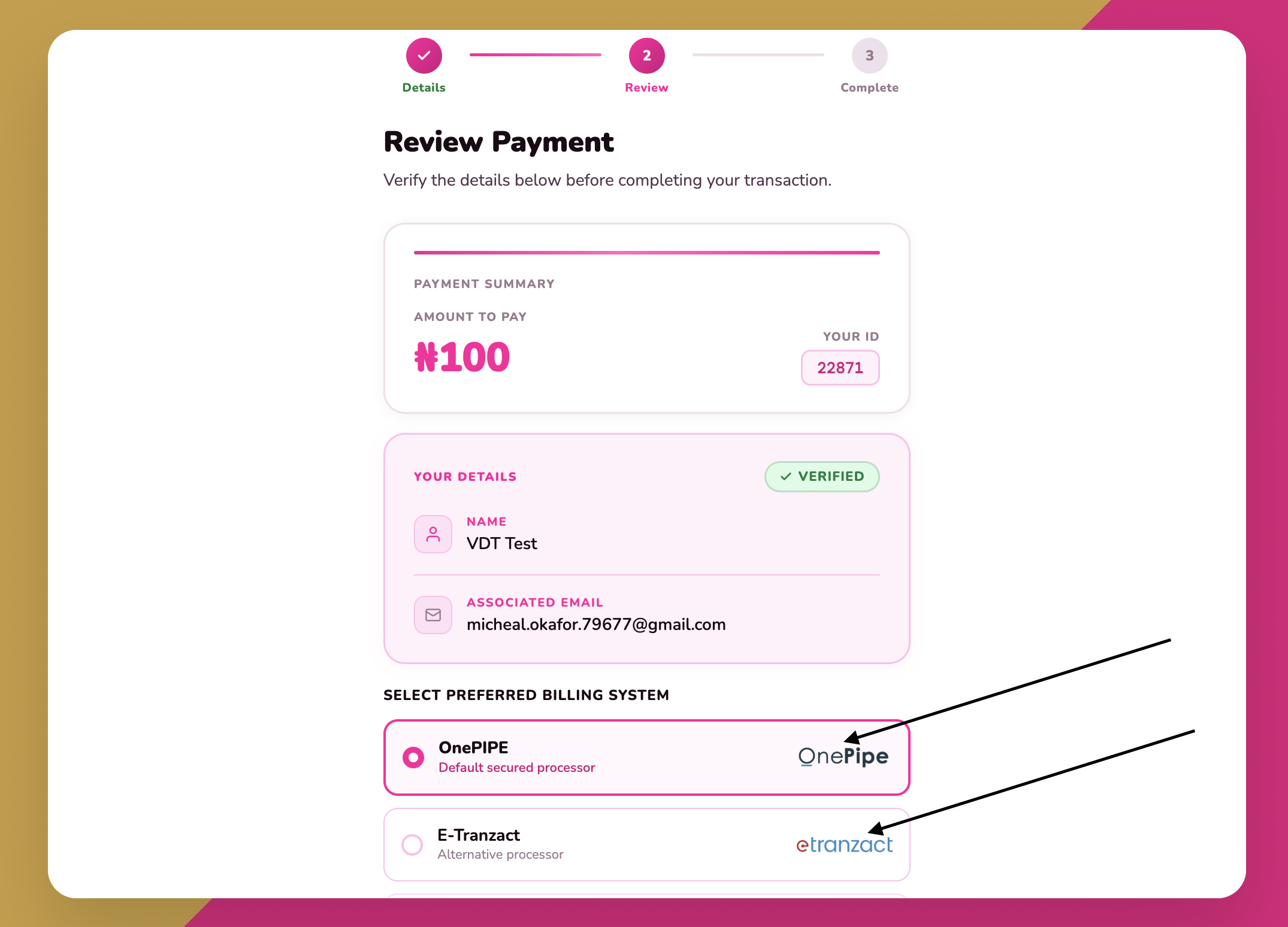
Double-check your details for accuracy, then click “Finalise & Complete Payment” to make payment, After making the payment, An email will be sent to you and your account will be recharged if transaction is successful.